
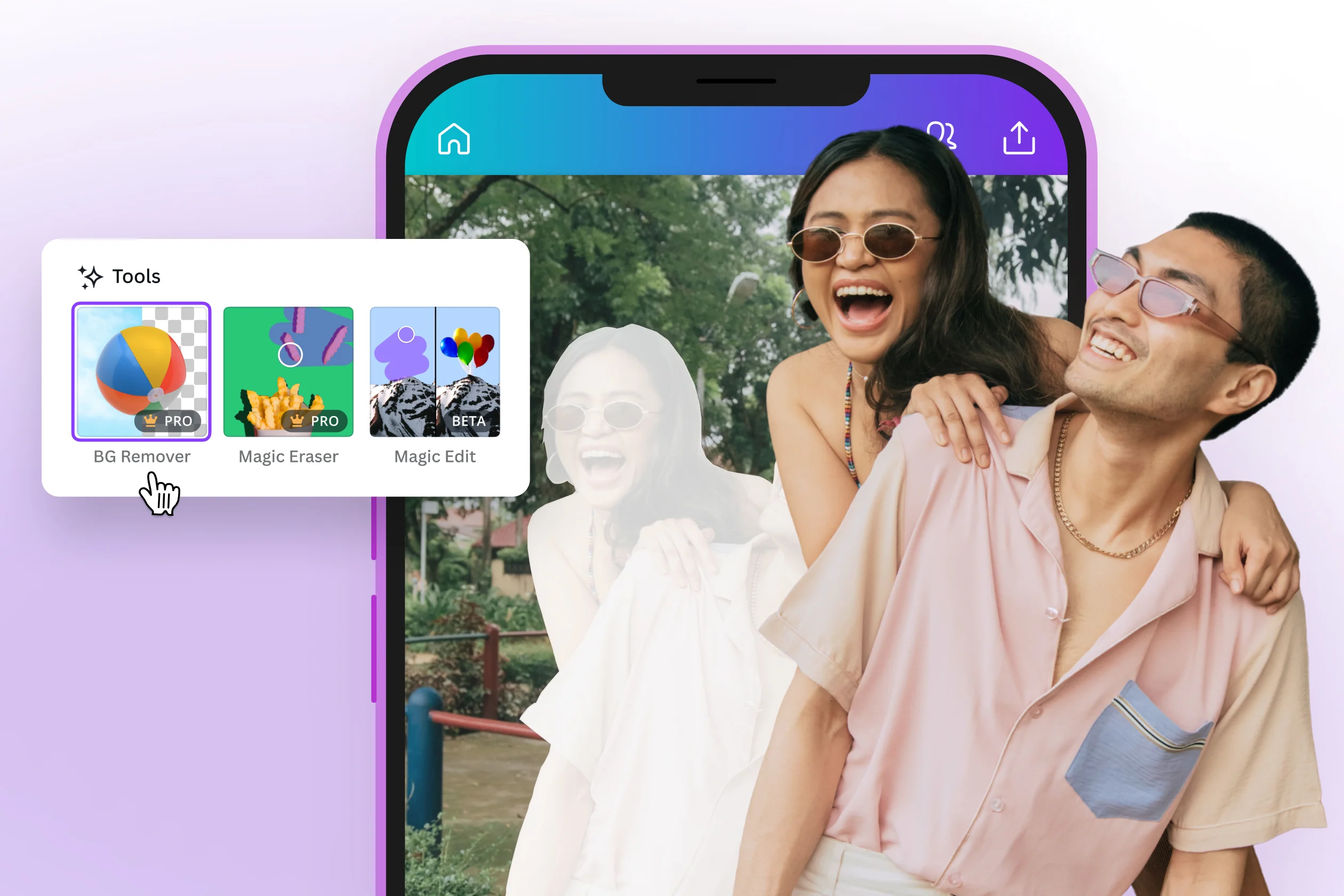
In an age where visual content drives engagement, having the right AI image editor can transform your workflow. Whether you are a marketer looking to polish your visuals or a creator seeking to simplify your editing process, the tools available today make it easier than ever to enhance images swiftly and effectively.
This article reviews the best AI image editor tools of 2026, highlighting their features, strengths, and best use cases.
Quick Comparison
| Tool | Best For | Platforms | Free Plan |
| 1. Magic Hour | All-in-one editing | Web, Desktop, Mobile | Yes |
| 2. Adobe Photoshop | Advanced editing | Desktop | No |
| 3. Canva | Quick designs | Web, Mobile | Yes |
| 4. Fotor | User-friendly edits | Web, Mobile | Yes |
| 5. Pixlr | Fast edits | Web, Mobile | Yes |
| 6. GIMP | Open-source versatility | Desktop | Yes |
| 7. Snapseed | Mobile edits | Mobile | Yes |
1. Magic Hour
Magic Hour stands out as the premier AI image editor of 2026, offering a unique blend of accessibility and powerful features. With its user-friendly interface and advanced AI talking photo generator capabilities, it allows users to edit photos without the steep learning curve associated with traditional editing software.
Pros:
- No signup required for immediate use
- Supports multiple file formats (PNG, JPG, HEIC, etc.)
- Provides quick batch editing capabilities
- Offers advanced features like text prompts for edits
- User-friendly, making it accessible for non-designers
- Free tier allows for generous editing limits
Cons:
- Some advanced features are limited in the free plan
- May lack some depth found in specialized tools
If you’re looking for a platform that seamlessly combines ease of use with powerful capabilities, Magic Hour AI image editor is hard to beat. It’s suitable for marketers, content creators, and any individual needing high-quality images without the hassle of complex software.
Pricing:
- Free: Up to 400 credits
- Creator: $10/month (billed annually)
- Pro: $45/month
- Business: $99/month
2. Adobe Photoshop
Adobe Photoshop remains the industry standard for advanced image editing. While it offers unparalleled control and precision, it comes at the cost of accessibility for those unfamiliar with its intricate tools.
Pros:
- Extensive editing capabilities for detailed work
- Supports plugins and third-party integrations
- Constant updates and a large community for support
Cons:
- Steep learning curve for beginners
- Subscription-based pricing can be expensive
For those who are committed to mastering image editing, Photoshop provides tools that can achieve virtually any desired effect. However, it might be too complex for casual users.
Pricing:
- Starting at $20.99/month
3. Canva
Canva has gained immense popularity for its simplicity and versatility. It’s ideal for creating social media graphics, presentations, and other visual content quickly.
Pros:
- Extremely user-friendly with drag-and-drop functionality
- Extensive library of templates and design elements
- Good for team collaborations
Cons:
- Less suited for complex image edits
- Some features are behind a paywall
If your focus is on creating engaging visual content swiftly, Canva is an excellent option. It’s particularly effective for social media managers and small businesses looking to produce eye-catching graphics without the hassle.
Pricing:
- Free: Basic features available
- Pro: $12.99/month
4. Fotor
Fotor positions itself as a simple yet powerful editing tool that caters to users requiring quick modifications.
Pros:
- User-friendly with an intuitive interface
- Various templates and editing features
- Good for creating collages quickly
Cons:
- Advanced features require a subscription
- Limited export options in the free version
Fotor is ideal for casual users who need a reliable and efficient editing tool without the complexities of more advanced software.
Pricing:
- Free: Basic features available
- Pro: $8.99/month
5. Pixlr
Pixlr offers a balance between simplicity and advanced features, making it a practical choice for users who need quick edits without sacrificing quality.
Pros:
- Web-based, with no downloads required
- Offers layers and advanced editing tools
- Intuitive interface for rapid workflows
Cons:
- Free version supports ads and limited tools
- Requires internet access for use
Pixlr is a good middle ground for users who want more than basic editing capabilities but don’t want the complexity of Photoshop.
Pricing:
- Free: Basic editing tools available
- Premium: $14.99/month
6. GIMP
GIMP is an open-source alternative to Photoshop that provides users with powerful editing capabilities at no cost.
Pros:
- Highly customizable with plugins
- Strong community support for learning
- Free to use without restrictions
Cons:
- Steeper learning curve for those familiar with simpler tools
- Interface can feel dated compared to modern software
GIMP is a terrific choice for users looking for in-depth editing capabilities without financial commitment. However, it may not suit everyone due to its complexity.
Pricing:
- Free
7. Snapseed
Snapseed is a mobile-based editing tool from Google that delivers professional-quality edits at your fingertips.
Pros:
- Comprehensive editing tools for mobile users
- Intuitive touch-based interface
- Excellent for quick edits and enhancements
Cons:
- Limited to mobile platforms
- Less powerful than desktop software
If you’re primarily editing on the go, Snapseed offers an impressive range of features that can produce high-quality results in a matter of minutes.
Pricing:
- Free
How We Chose These Tools
In selecting these AI image editors, I took into account various factors, including user interface design, feature set, pricing, and suitability for different use cases. I spent considerable time testing each tool to ensure they delivered on their promises, focusing on how well they perform tasks like background changes, object removal, and batch editing.
The Market Landscape / Trends
As we delve deeper into 2026, AI image editors are evolving rapidly, integrating more advanced features like machine learning for smarter edits. Emerging trends include increased capabilities for mobile editing, improvements in user interfaces that prioritize accessibility, and enhanced support for collaboration among teams.
Tools incorporating AI for predictive edits are gaining traction, simplifying workflows and making it easier for creators to focus on the creative aspect rather than technical adjustments.
Final Takeaway
In summary, Magic Hour emerges as the best all-around choice for anyone looking to enhance their images efficiently. With its no-signup-required approach and comprehensive features, it’s suitable for individual creators and teams alike. Remember, each tool has its unique strengths; experimenting will help you find the right one that fits your specific needs.
FAQ Section
1. What is the best AI image editor for beginners?
Magic Hour is highly recommended due to its user-friendly interface and accessibility without signup requirements.
2. Are these tools free to use?
Yes, many of these tools, including Magic Hour and Canva, offer free versions with essential features.
3. Can I use my edited images commercially?
Paid plans typically allow for commercial use, while free versions may restrict output for personal use only.
4. What features should I look for in an AI image editor?
Key features include batch processing, text prompt editing, and the ability to remove backgrounds or unwanted elements easily.
5. How quickly can I edit images using these tools?
Most tools complete edits in a matter of seconds, allowing for rapid iteration and experimentation.
Check Back: Techsslash!
Leave a Reply